
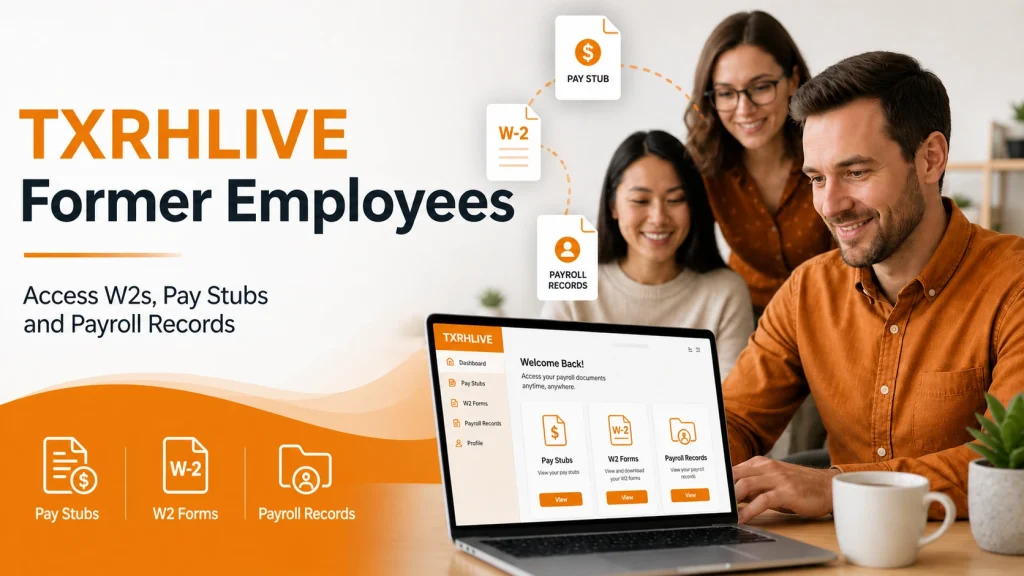
Many former Texas Roadhouse employees need to log back into TXRHLive to download W-2 forms, view old pay stubs, or check payroll records, especially during tax season. This guide explains exactly what former employees can access on TXRHLive, how to log in, what to do when your account is no longer active, and who to contact for help.
Can Former Employees Access TXRHLive?
Yes, in many cases, former Texas Roadhouse employees can still access TXRHLive for a limited time after leaving. What you can access depends on how long ago you left and whether your account has been deactivated by the company.
Former employees may still be able to view:
- Past pay stubs and payroll records
- W-2 tax forms (when available in the portal)
- Basic account details
Access is not available in every case. Deactivated accounts may require a separate request process through the company or the former work location.
How to Log Into TXRHLive as a Former Employee
For accounts that are still active, the login process is the same as when you were an employee:
- Go to the TXRHLive login page
- Enter your username or employee ID (the same one you used while employed)
- Enter your password
- Complete any verification step when prompted
- Sign in and navigate to the Payroll or Documents section to find your records
Tip: Passwords may expire after a period of inactivity. Visit sspr.txrh.com to reset yours before attempting to log in.
How to Get Your W-2 as a Former Employee
Your W-2 form is one of the most common reasons former employees need to access TXRHLive.
For accounts that are still active:
- Log in using your employee ID and password
- Go to the Payroll or Tax Documents section
- Find the W-2 for the relevant tax year
- Download or print it
For accounts that have been deactivated:
Standard portal login will no longer be available. In that case:
- Call Support and request your W-2 by phone
- Email the Roadie Support team with your full name, dates of employment, and the tax year you need
- Contact the HR team at the store where you worked, they can request the document on your behalf
Texas Roadhouse is legally required to issue W-2 forms by January 31 each year for all employees who worked during the previous tax year, including former employees.
How to Get Old Pay Stubs as a Former Employee
Former employees needing old pay stubs for a loan application, rental verification, or personal records should follow these steps:
- Try logging into TXRHLive using your old employee credentials
- Go to the Payroll section and select the pay period you need
- Download or print the pay stub
Unavailable accounts may require a direct records request through the company or the former store location. Having your employee ID, work dates, and pay period details ready can make the process easier.
What to Do When You Cannot Log In
Step 1: Reset your password
Visit the TXRHLive password reset page and reset your password using your employee ID. This works for many former employees whose accounts are still technically active.
Step 2: Check Your Account Status
An error message such as username not found or account inactive usually means the account has been removed from active access.
Step 3: Contact Roadie Support
Reach out to the Roadie Support team by phone or email. Explain that you are a former employee and specify what documents you need. Have your:
- Full name
- Employee ID (if remembered)
- Dates of employment (start and end date)
- Store location where you worked
- Tax year or pay period for the documents you need
Step 4: Contact the store directly
When Roadie Support cannot help quickly, contact the HR manager or general manager at the Texas Roadhouse location where you worked. They can request documents on your behalf through internal systems.
How Long Former Employees May Have Access
Texas Roadhouse does not publish an official public policy on how long former employee accounts remain active. In practice, access is often available for a period after leaving, but this varies by situation and account status.
Former employees who need documents several months later should not assume the portal will still work. Early download of needed records is the safer option while access is still available.
Support Contacts for Former Employees
Former employees whose TXRHLive accounts are no longer active should contact the HR team at their former work location or the company’s employee support channel for help with W-2 forms, pay stubs, or payroll records. Be ready to share your full name, employee ID, work location, and dates of employment.
FAQs
Can I still log into TXRHLive after leaving Texas Roadhouse?
Possibly yes, as long as your account has not been deactivated. Try logging in with your old employee ID and password. For expired passwords, use the password reset page to update it.
How do I get my W-2 from Texas Roadhouse after leaving?
Log into TXRHLive and check the Tax Documents or Payroll section. For those who cannot log in, contact Roadie Support by phone or email.
What happens when I forget my employee ID?
Your former store location or the company’s employee records process may be able to locate the account using your name and employment dates.
My account is months old, will it still work?
Access depends on account status. Some former employee accounts remain active for a period after leaving, while others are removed earlier.
Is there a deadline to get my documents through TXRHLive?
There is no publicly stated deadline. Downloading any documents you need as soon as possible after leaving is strongly recommended, while your account is more likely to still be active.